 StoryFetcher
How it works.
Four steps from sign-in to Gallery.
Add an account
Choose Instagram or Facebook and give the account a name you will know. The name only helps you tell accounts apart.
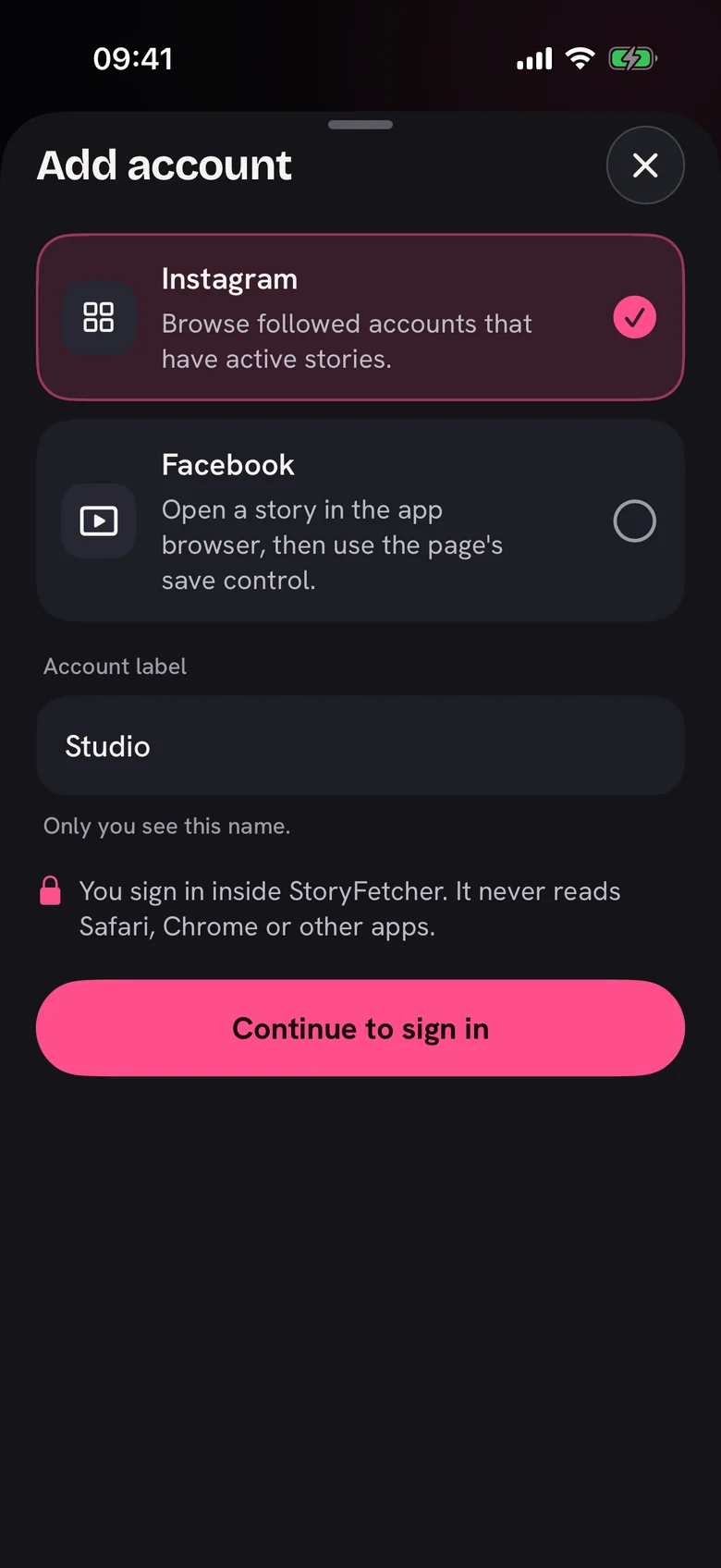
Sign in inside the app
The real sign-in page opens inside StoryFetcher. Your sign-in stays on this device. It never goes to our servers.
Choose stories
Open an account to see its active stories, newest first. Tap the ones you want. Tap the corner icon for a full preview.
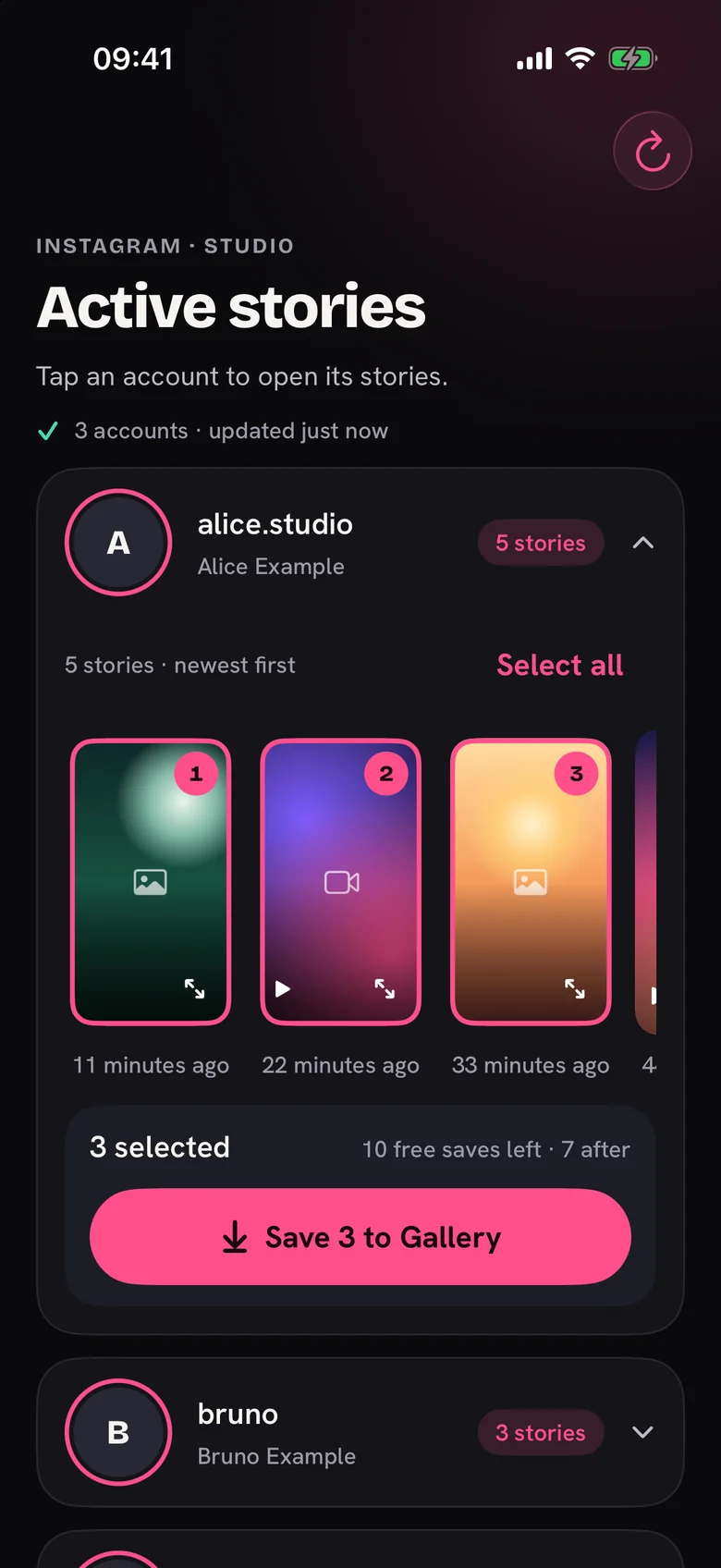
Save to Gallery
Each story shows its own progress. Saved stories get a marker. StoryFetcher can only add to Gallery. It cannot read your library.
Good to know
Stories last 24 hours
Save a story before it disappears. Saved copies stay in your Gallery.
Private by design
No social data goes to our servers. Only anonymous screen and purchase events are sent.
Saved markers
Markers show what you saved with this app. If you delete a story from your Gallery, the marker stays.
Ready to keep a story?
Get StoryFetcher for iPhone, iPad and Android.
Obtener la app